
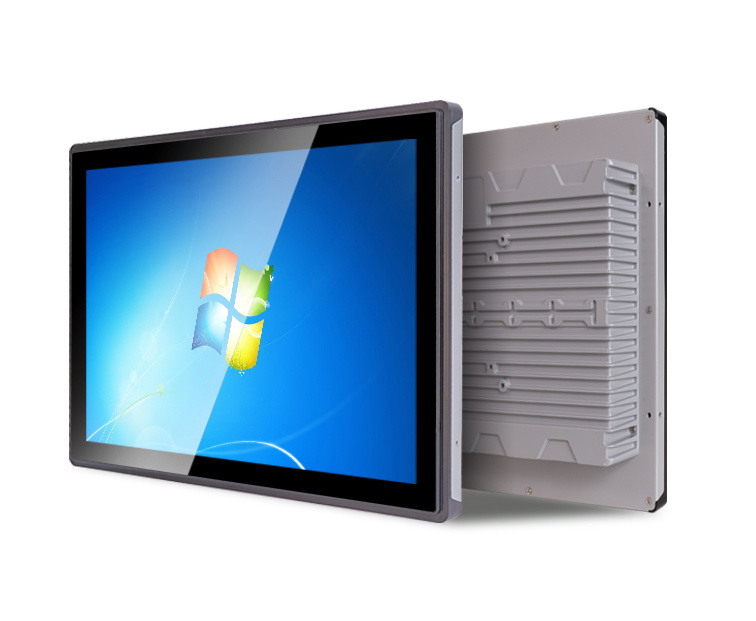
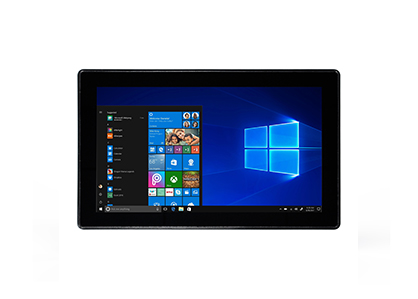
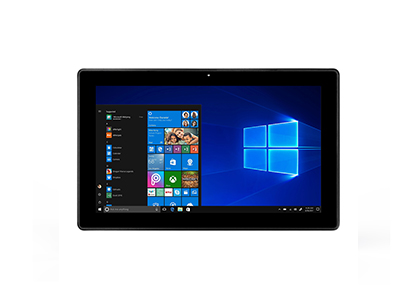
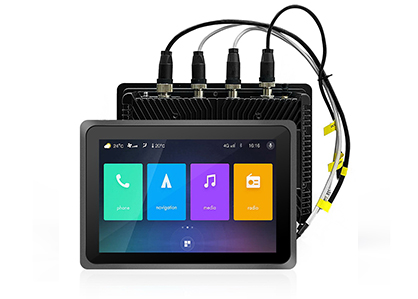
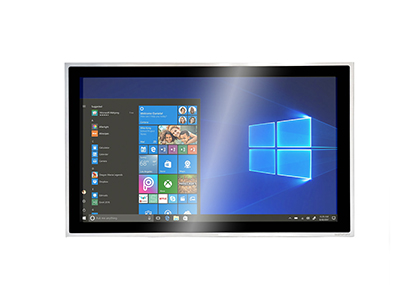
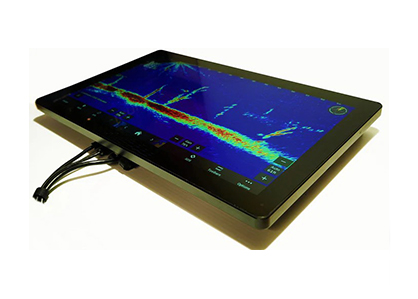
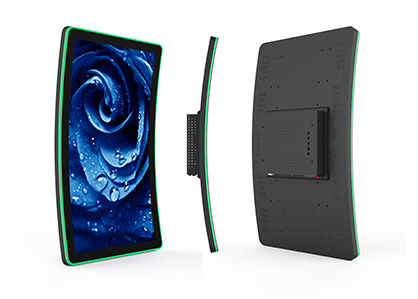
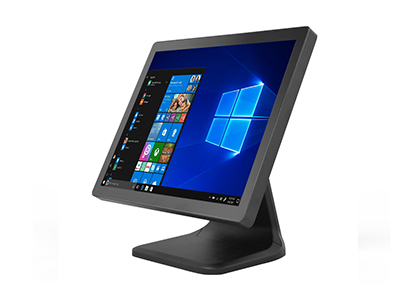
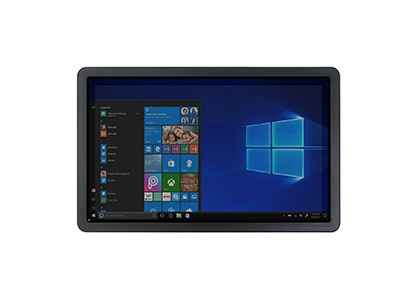
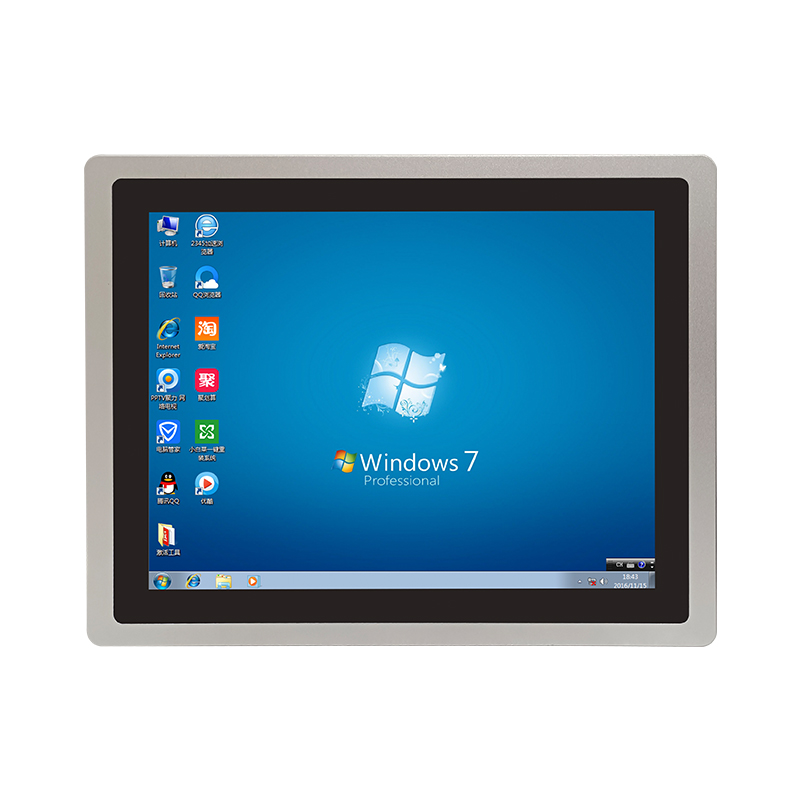
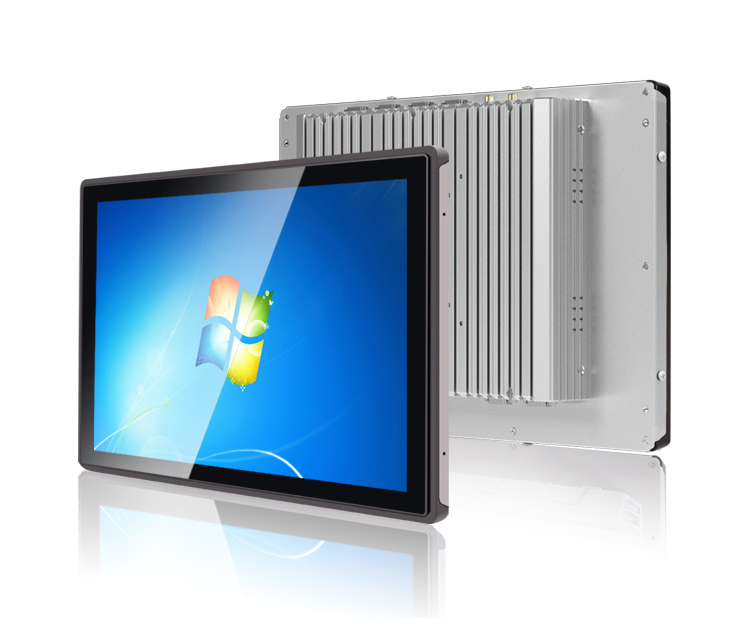
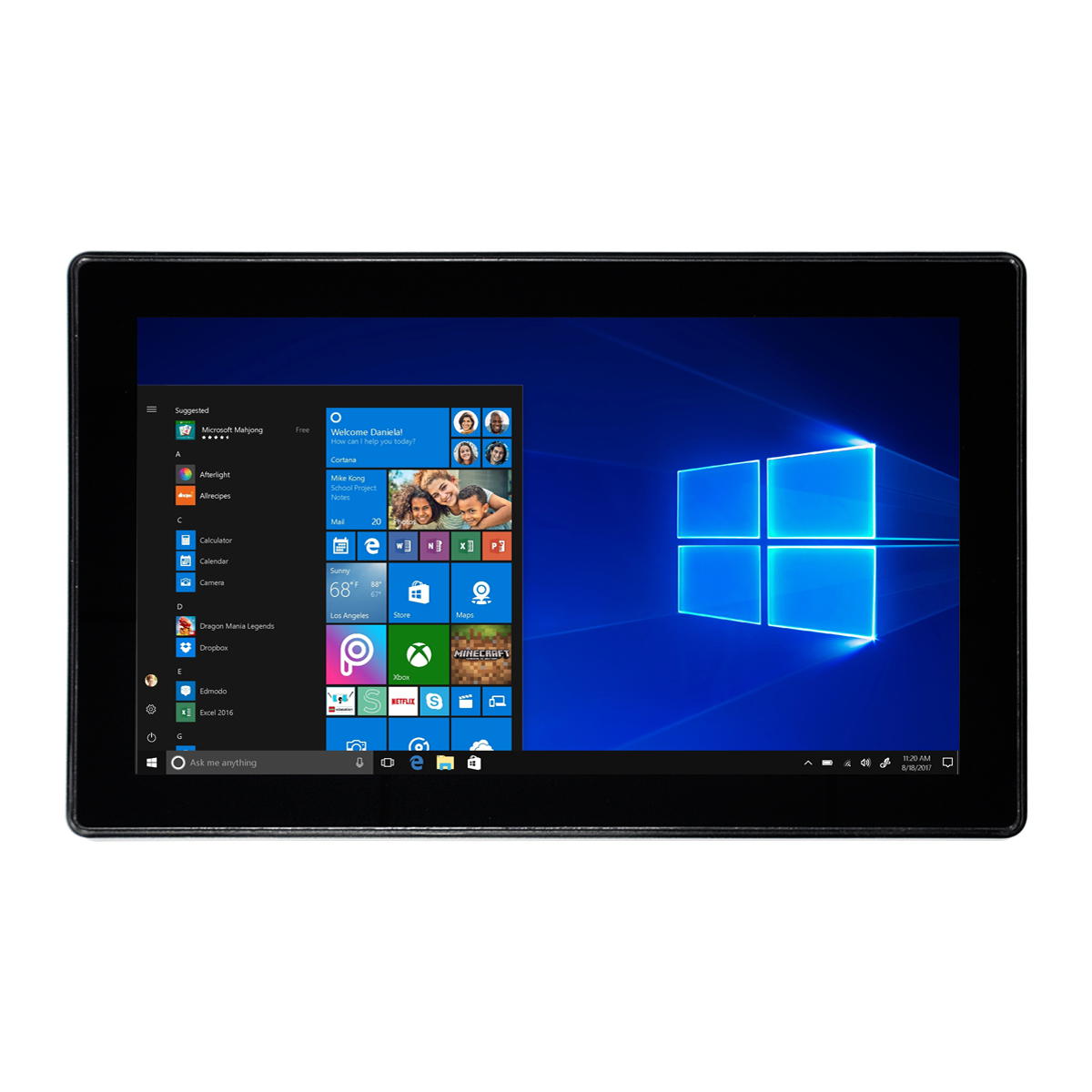
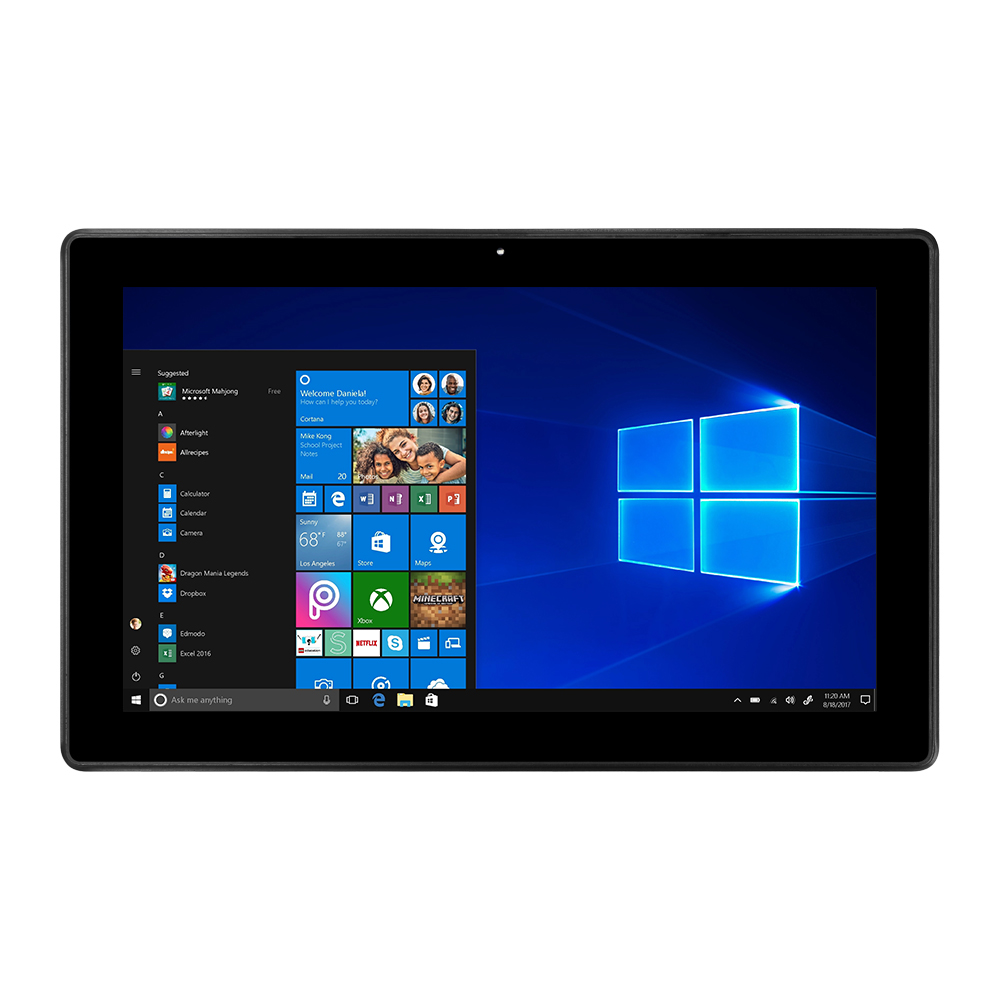
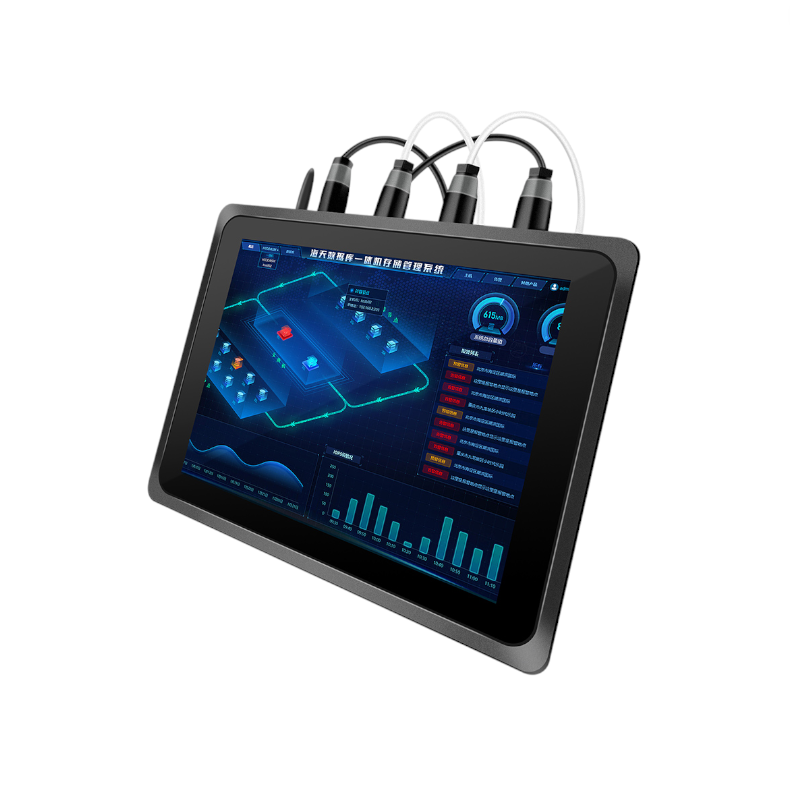
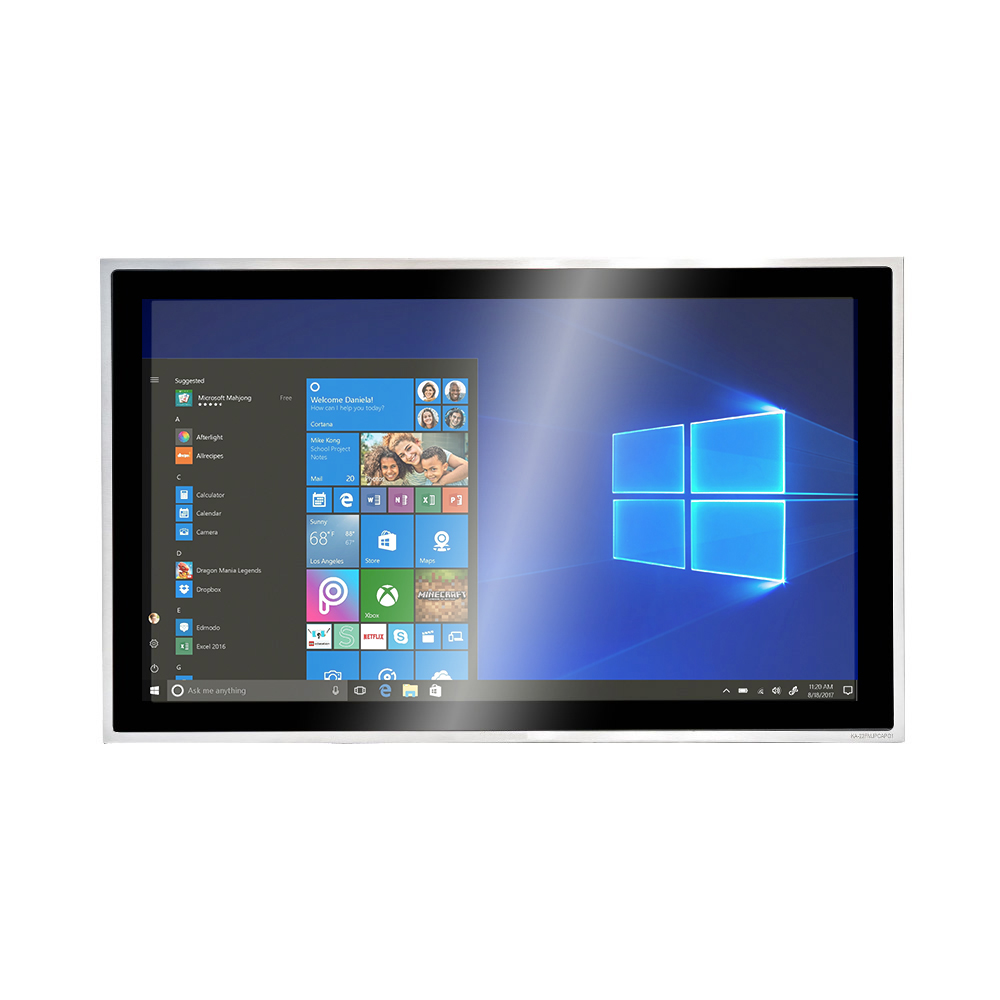
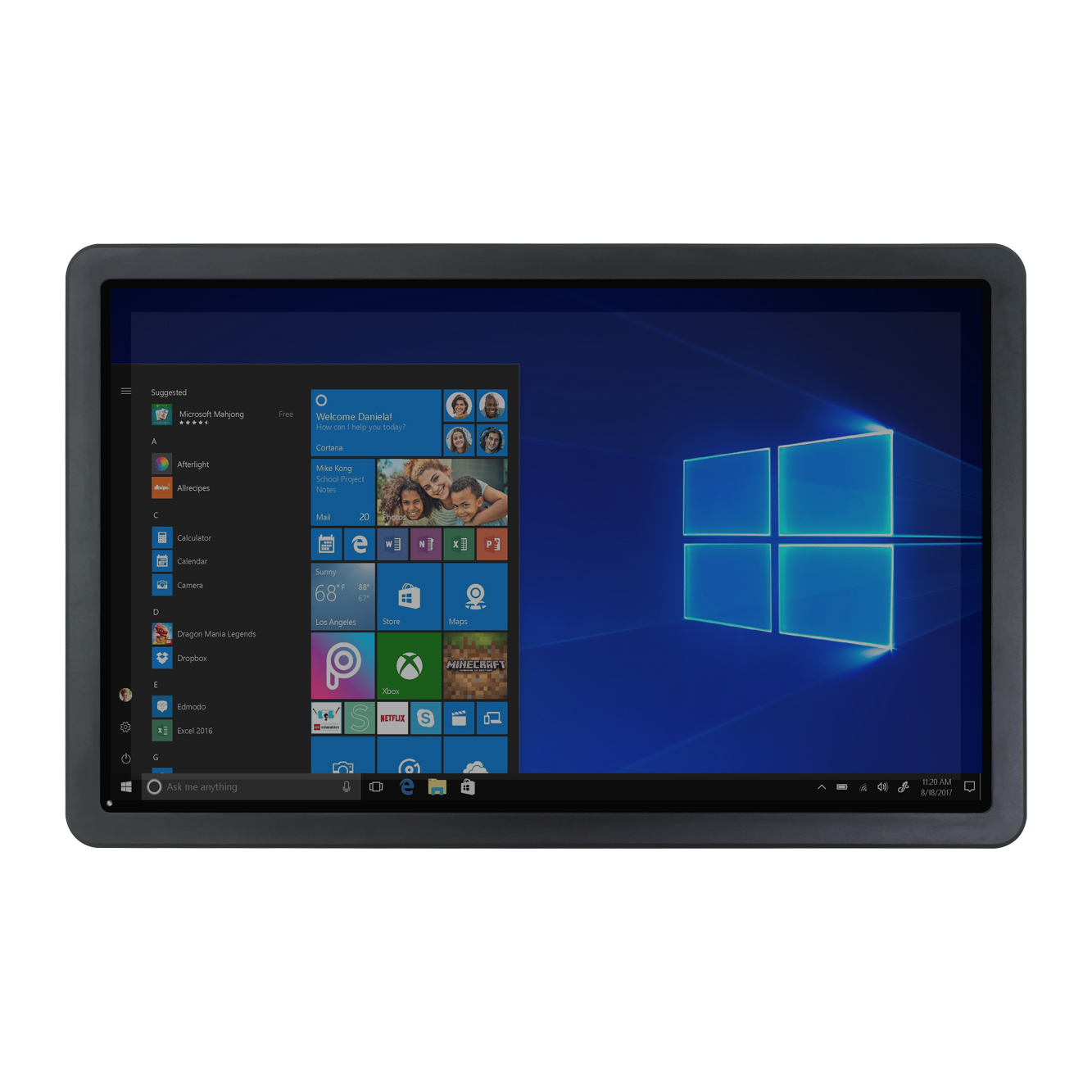
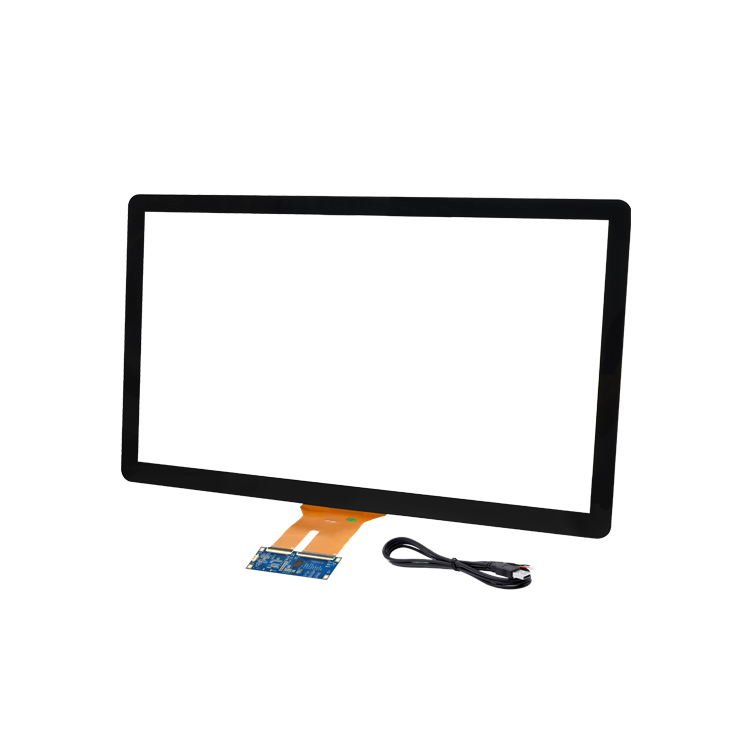
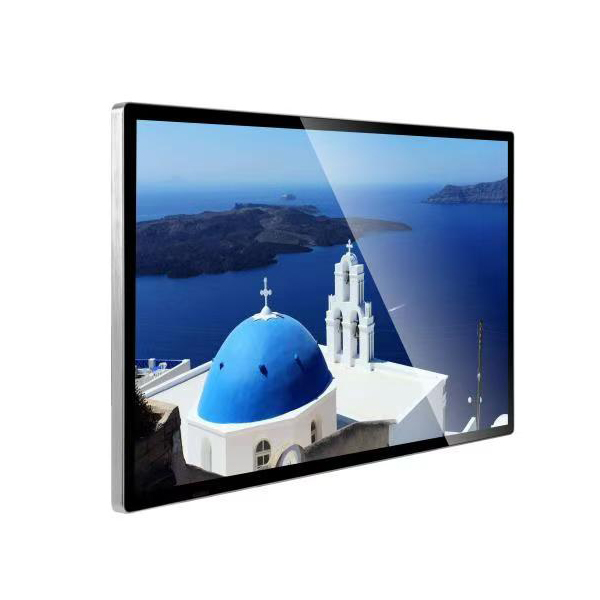

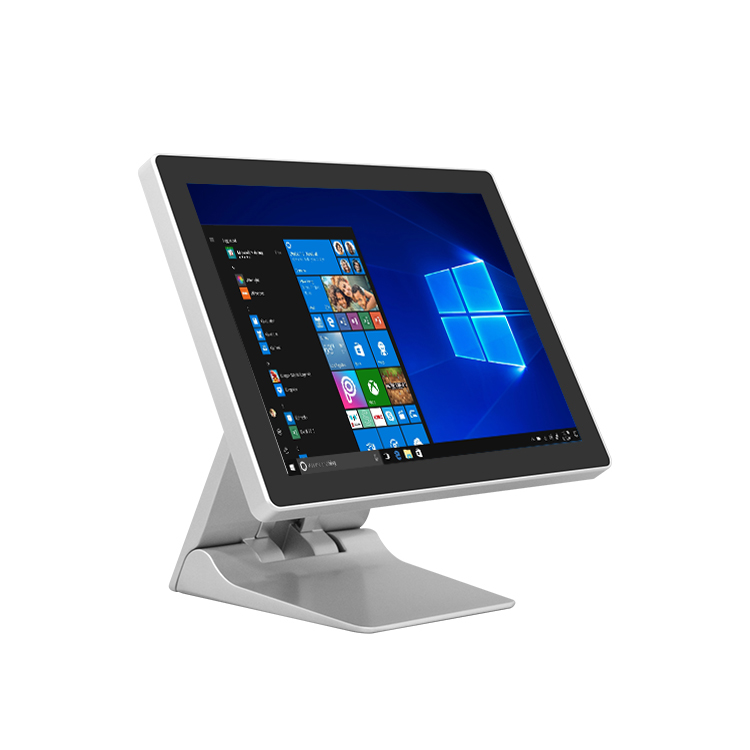
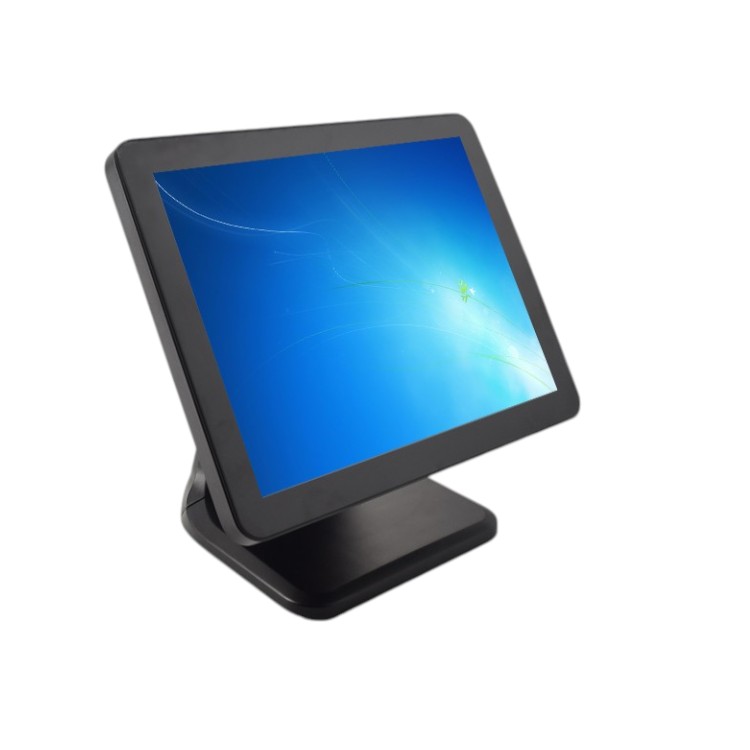
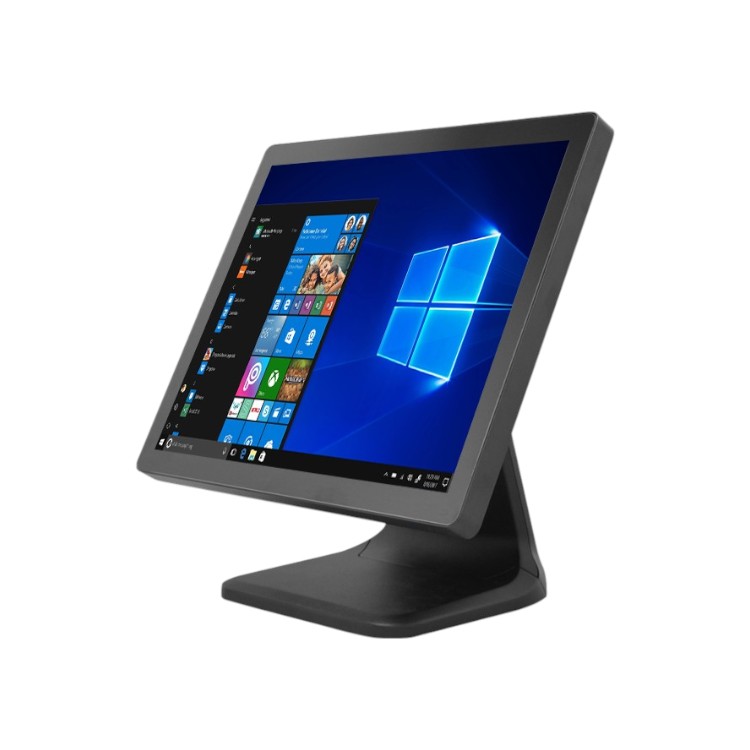

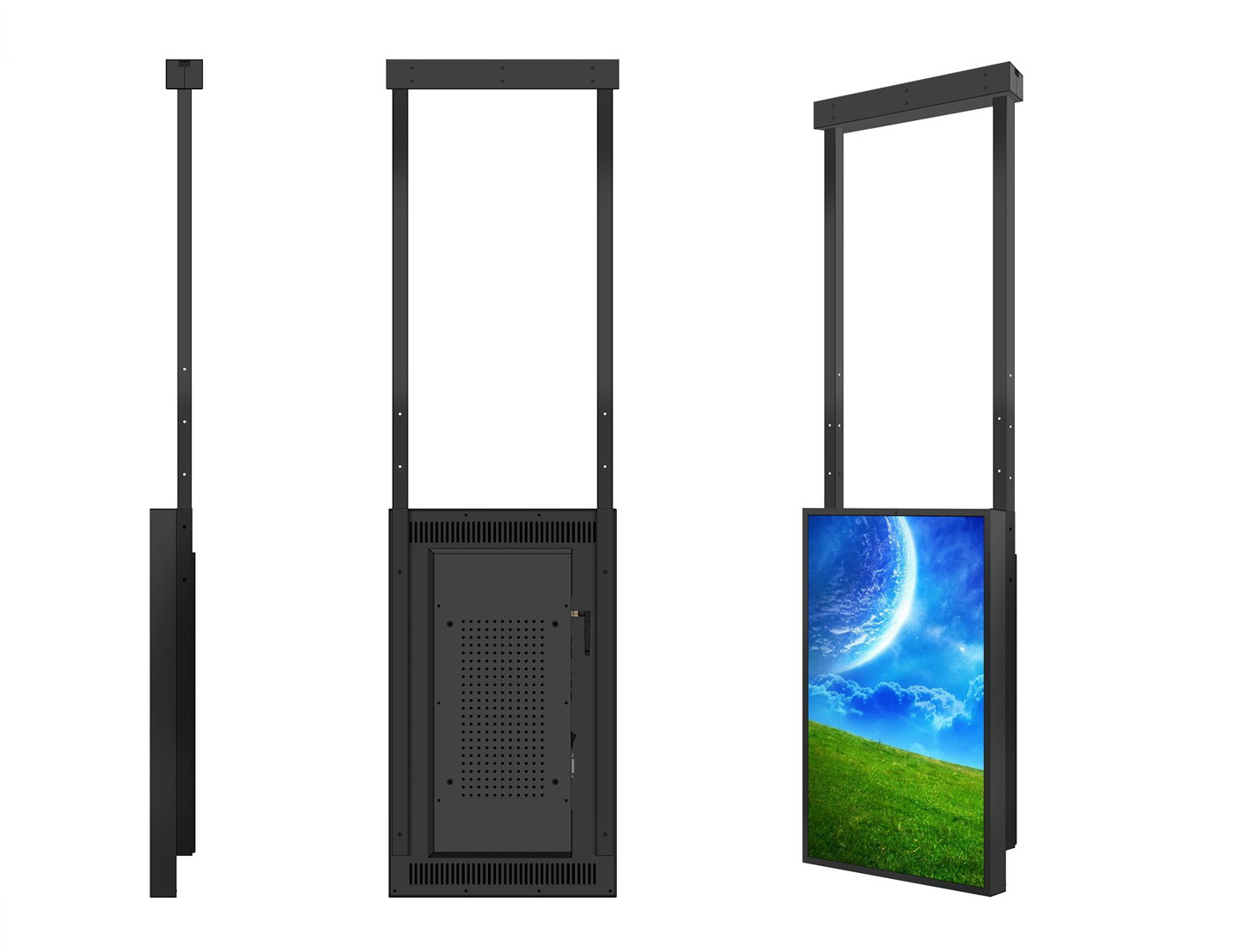
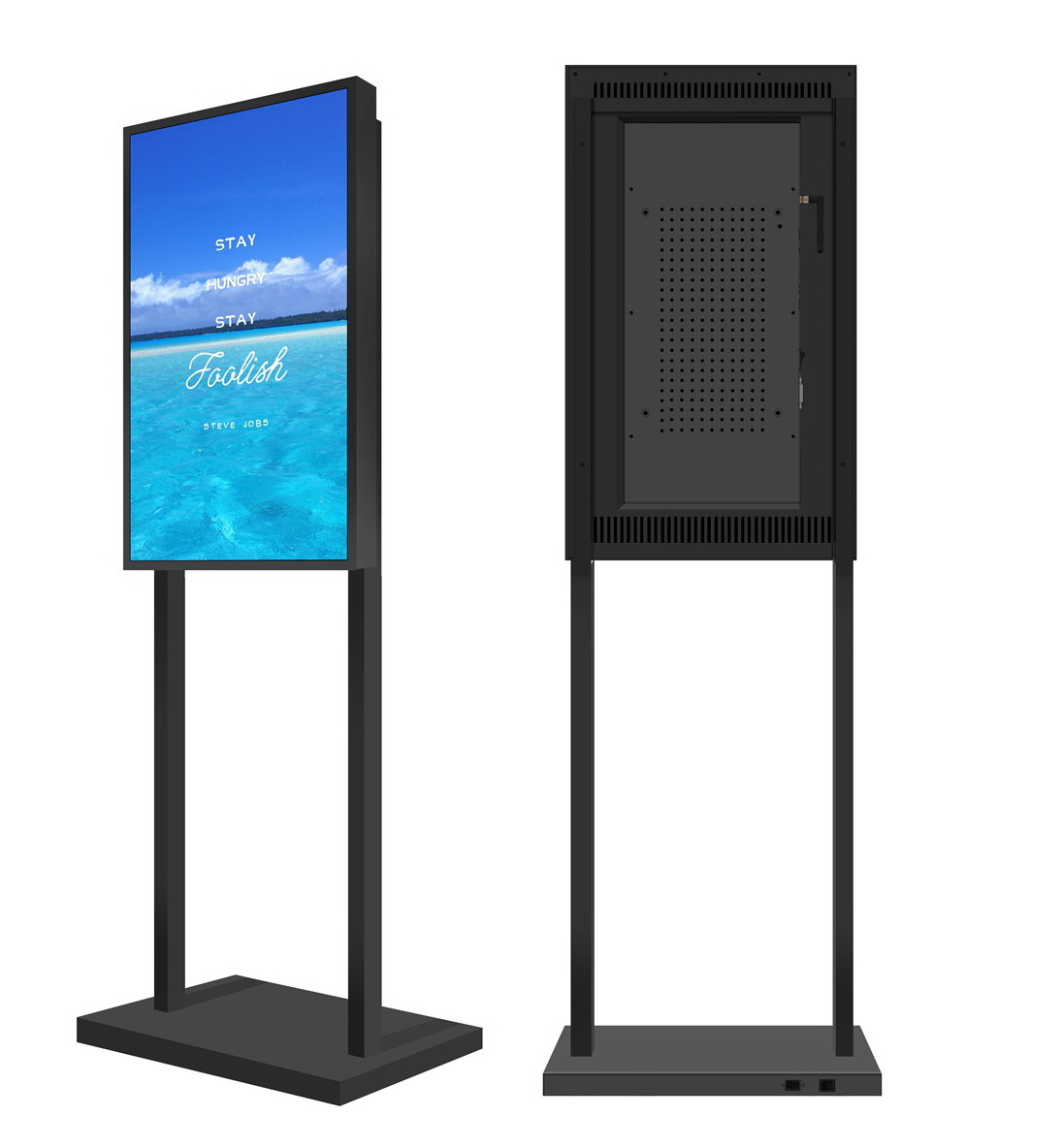

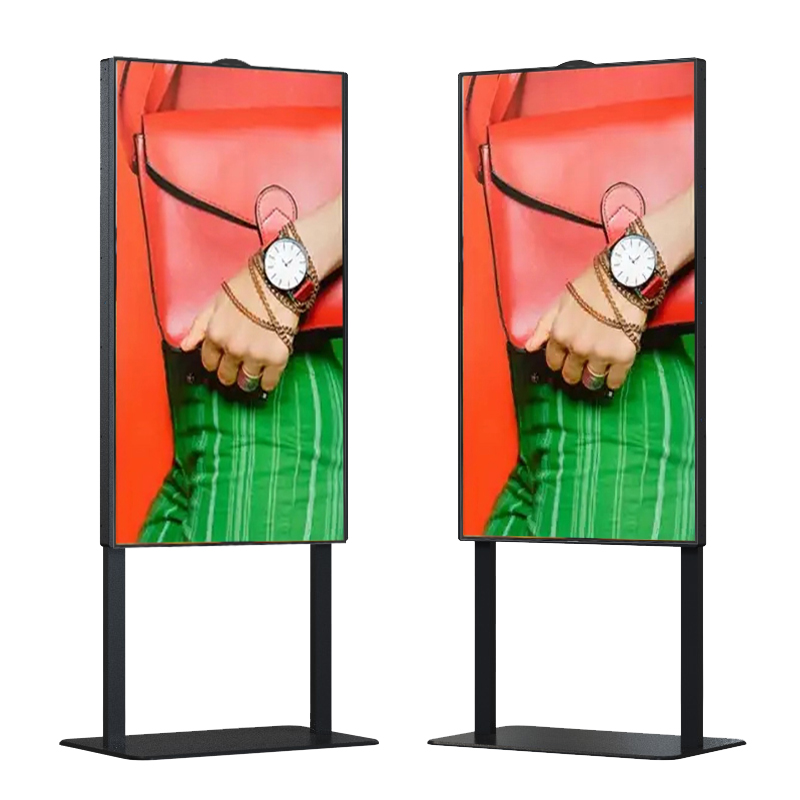
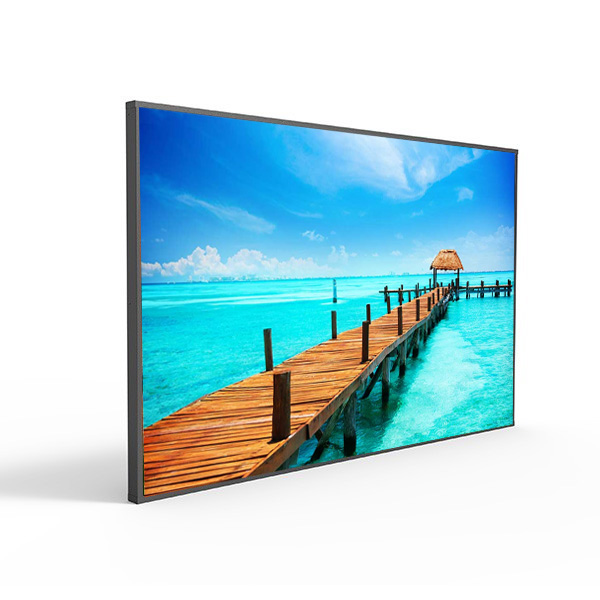
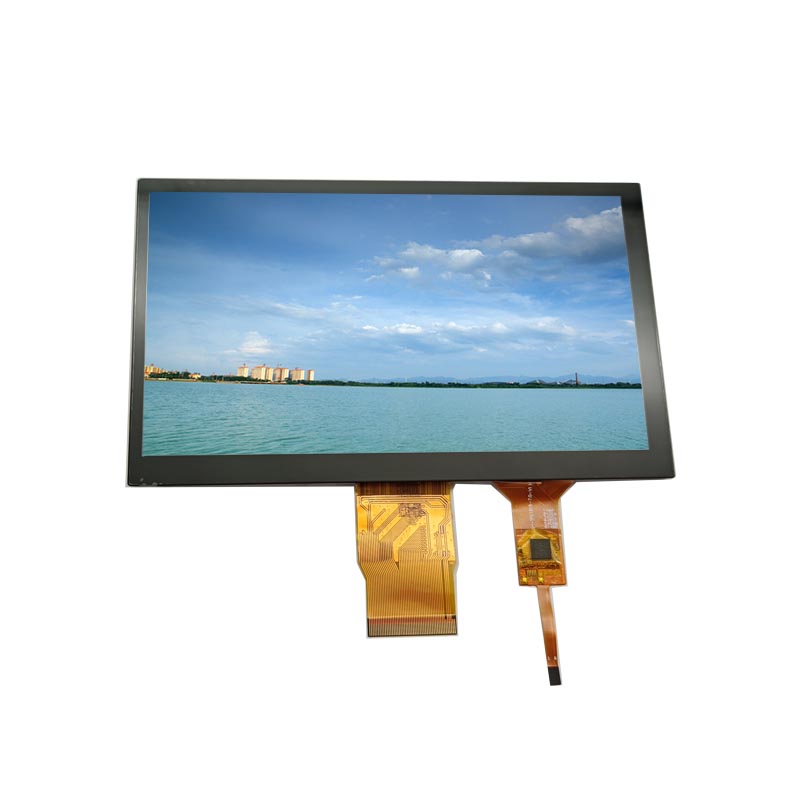
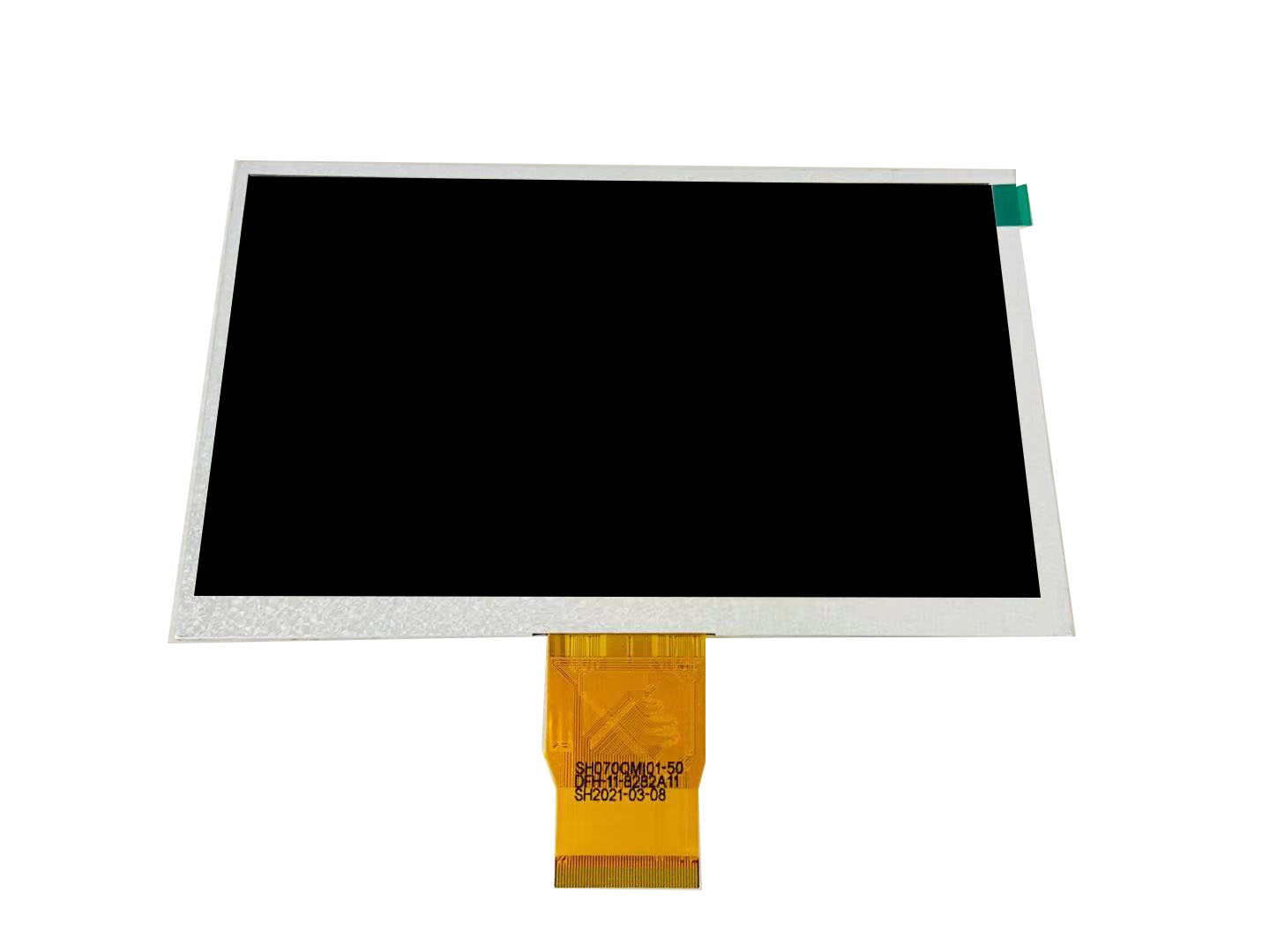
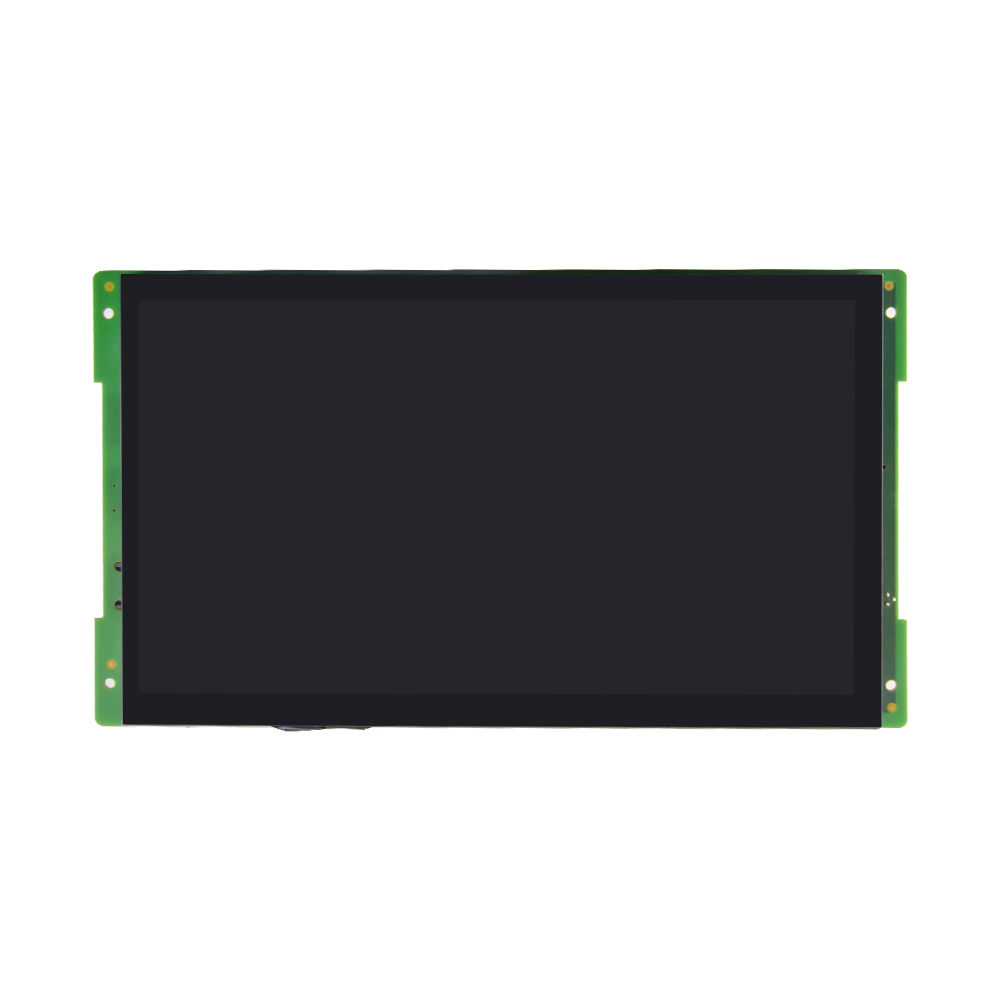
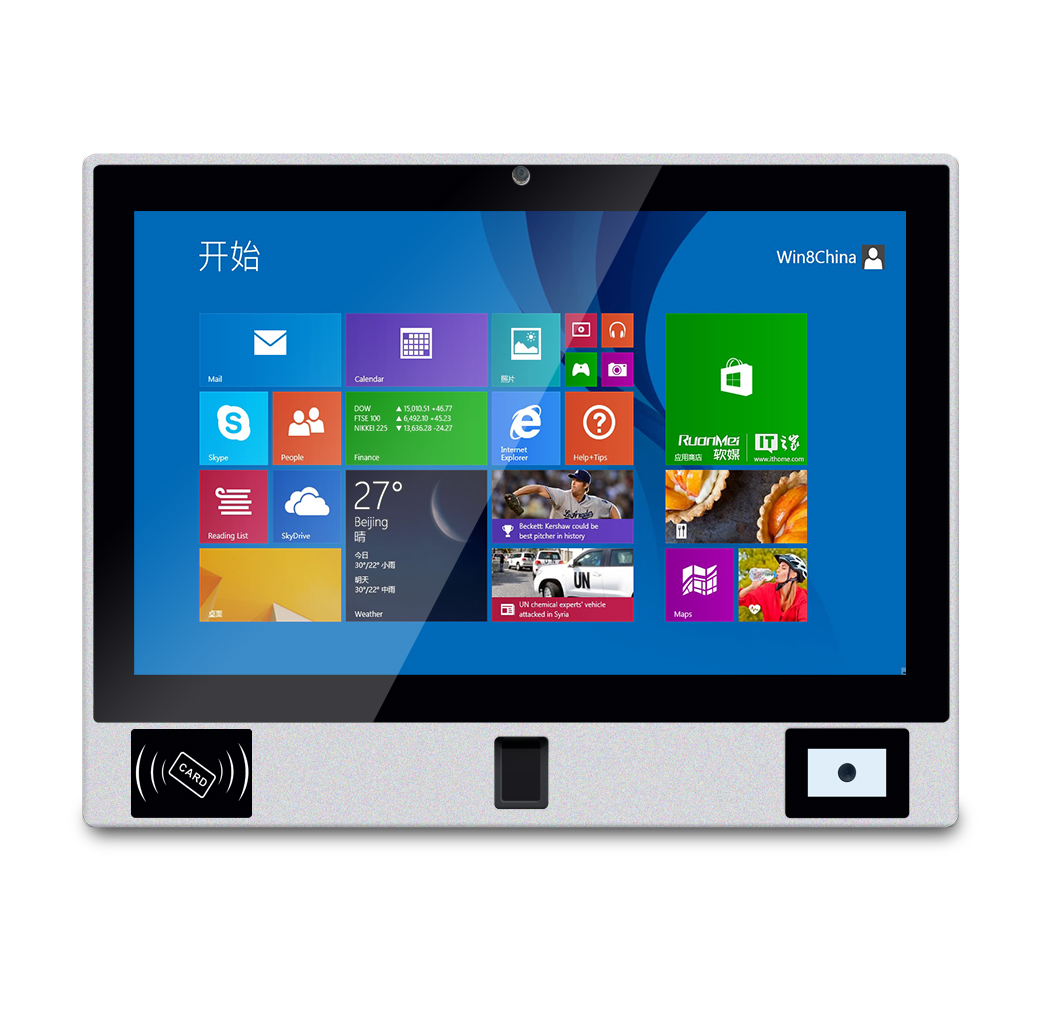
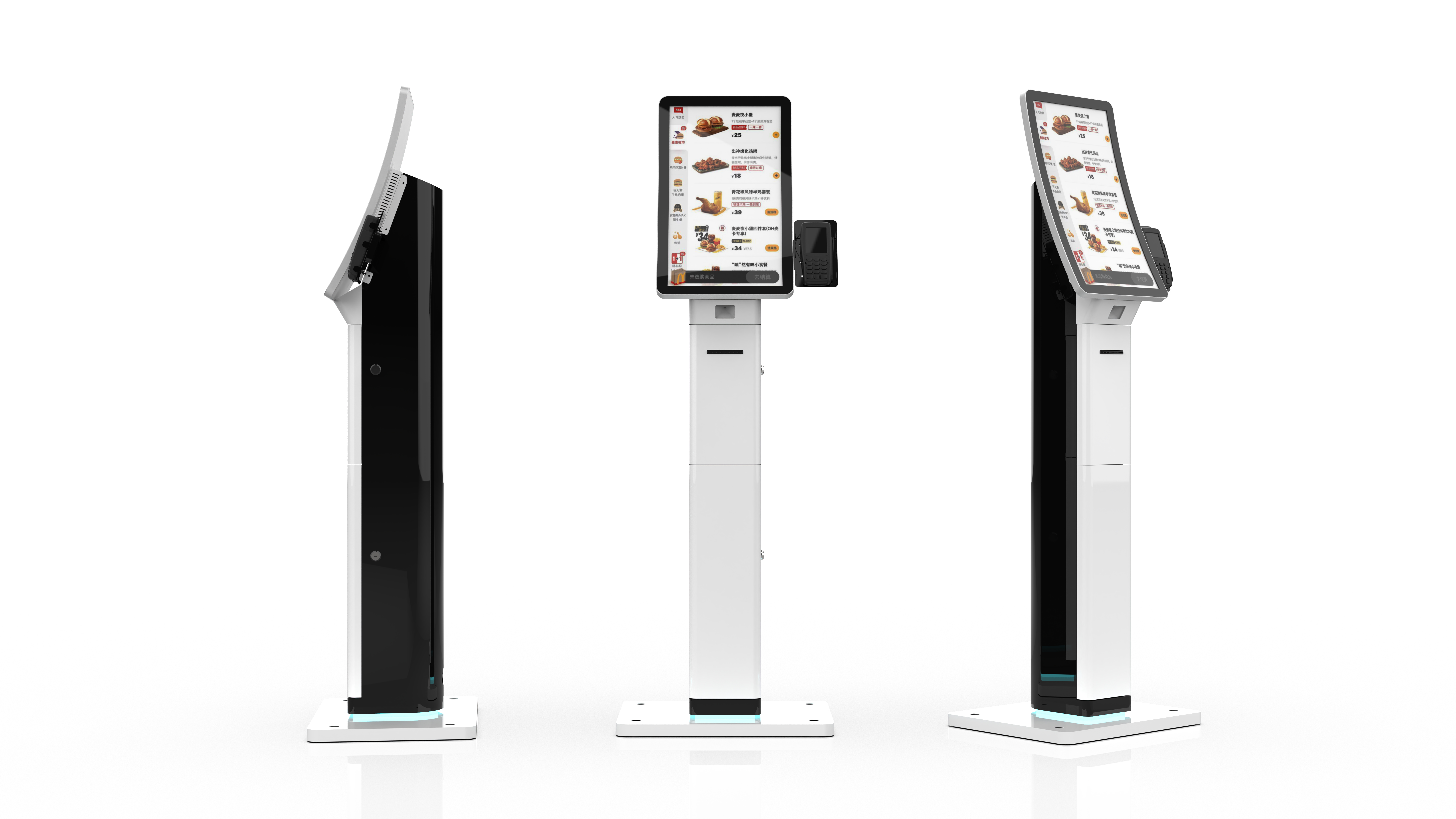
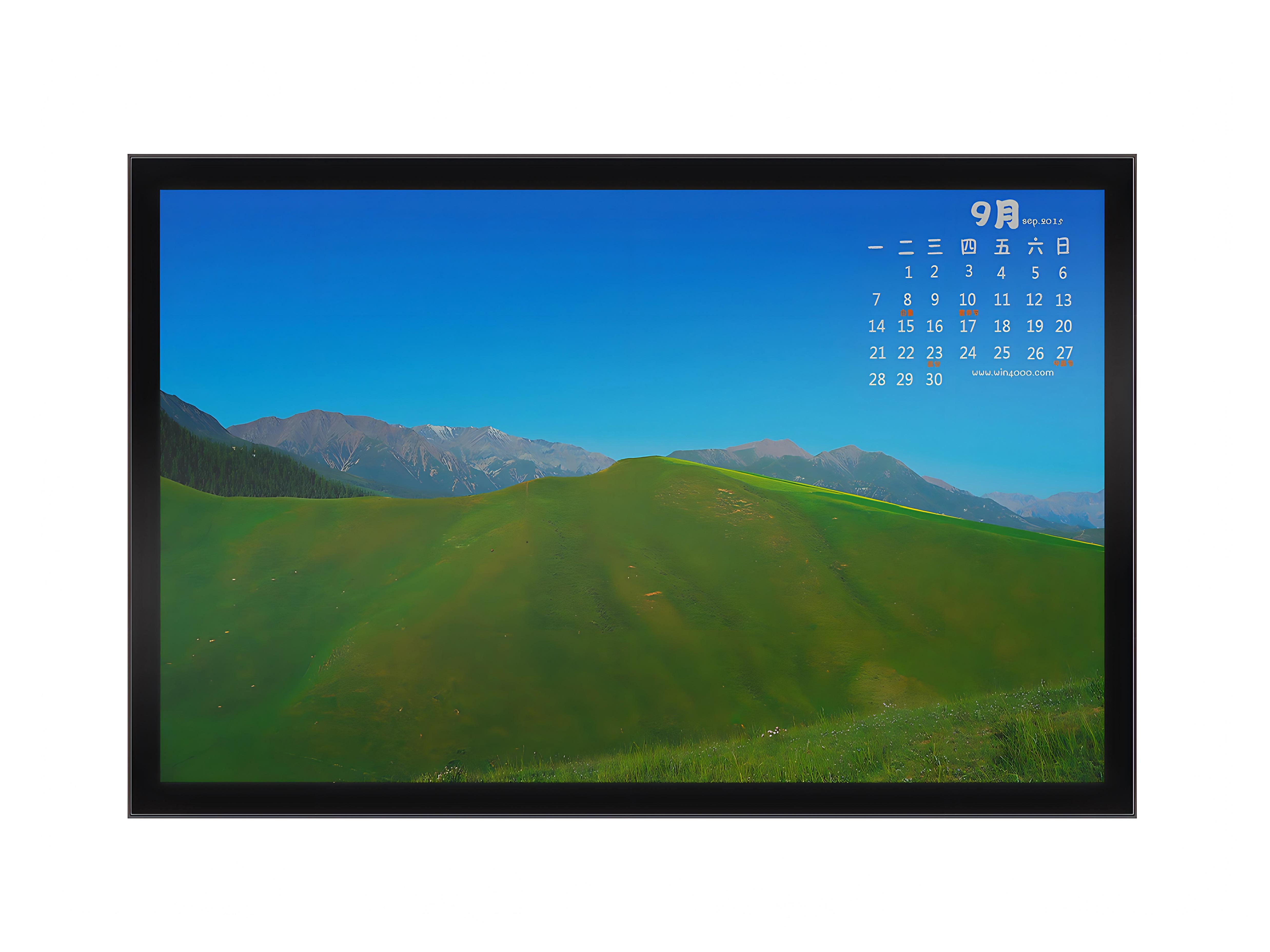
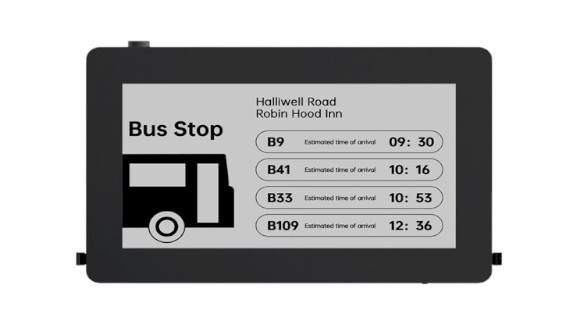
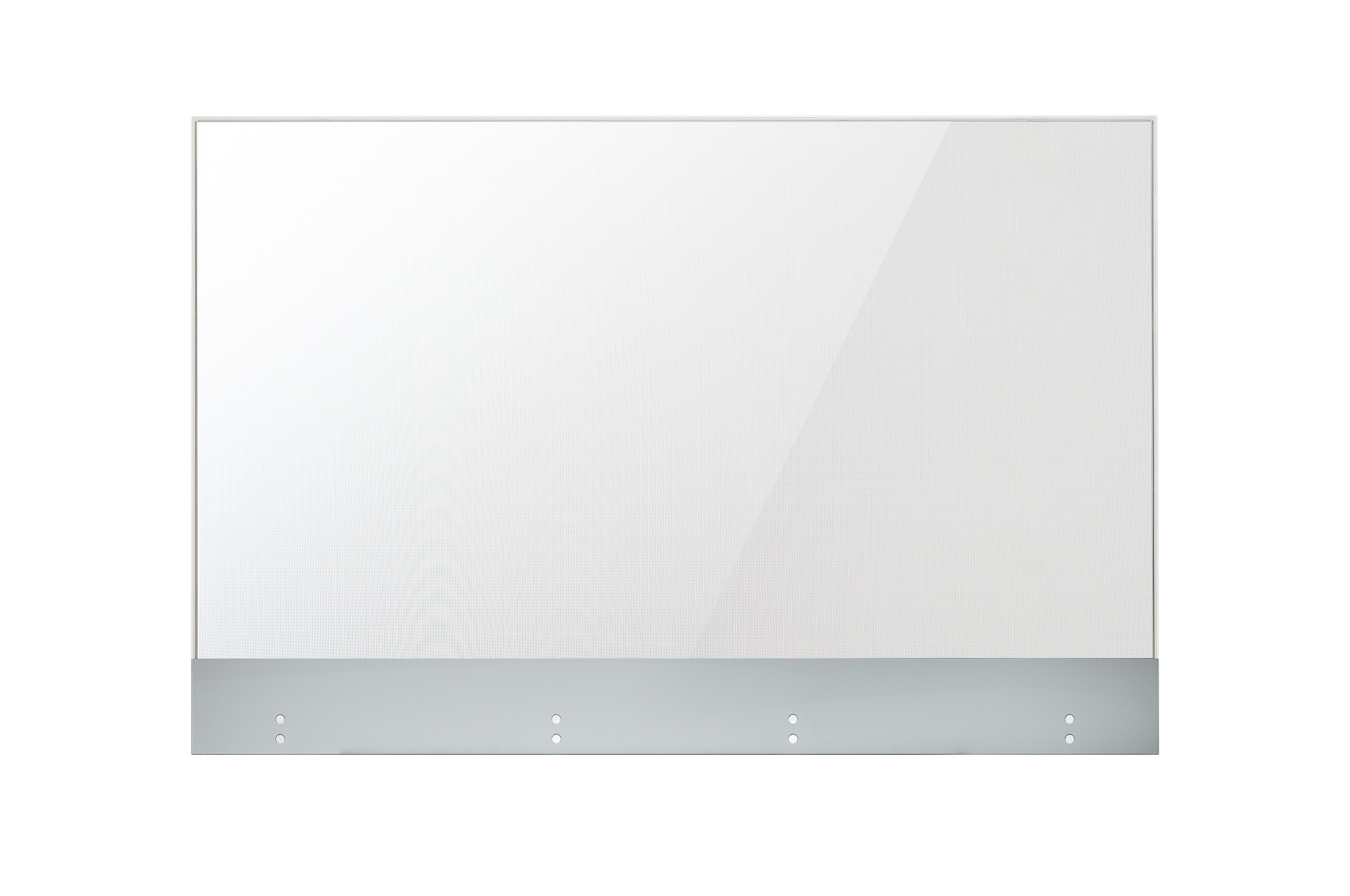
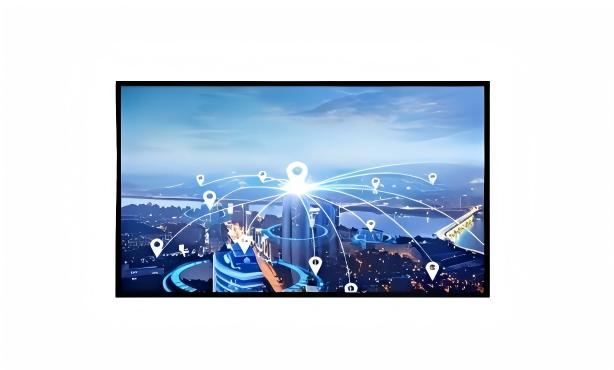
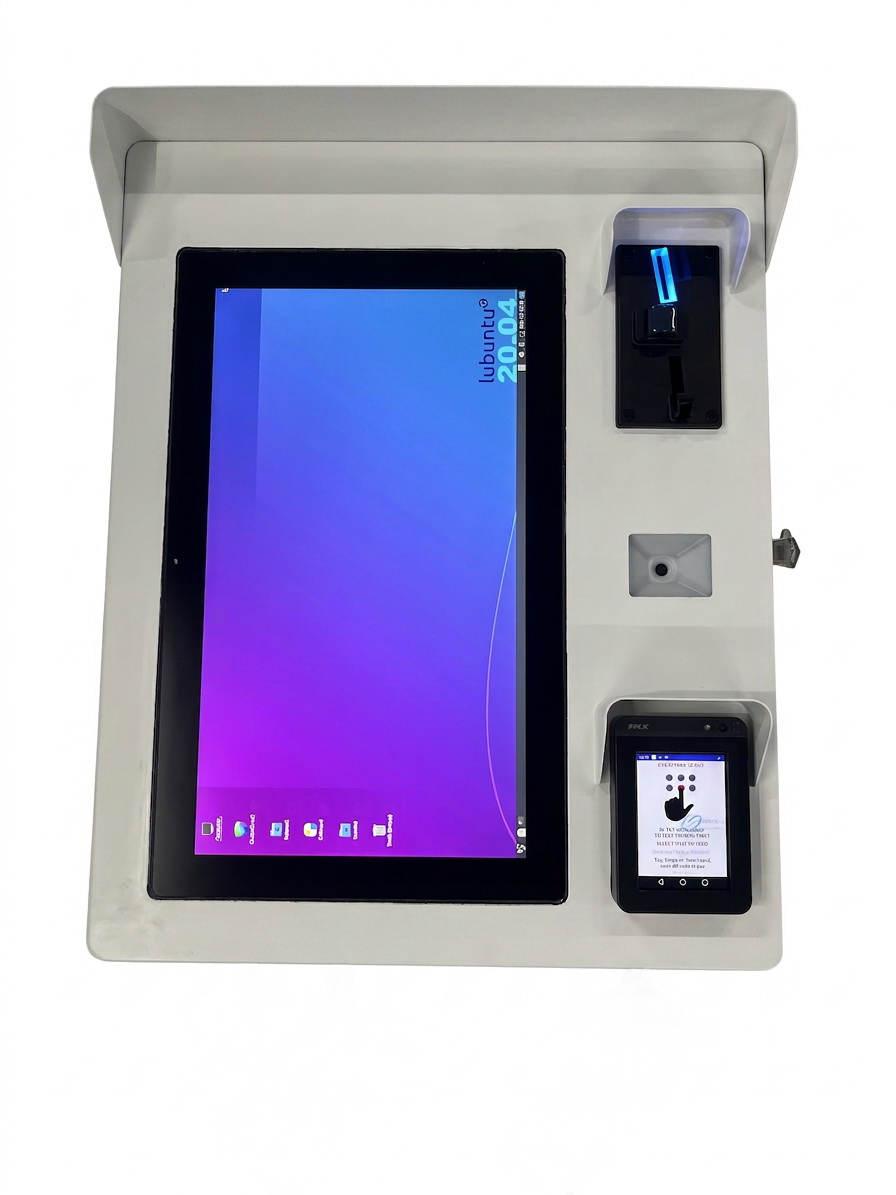
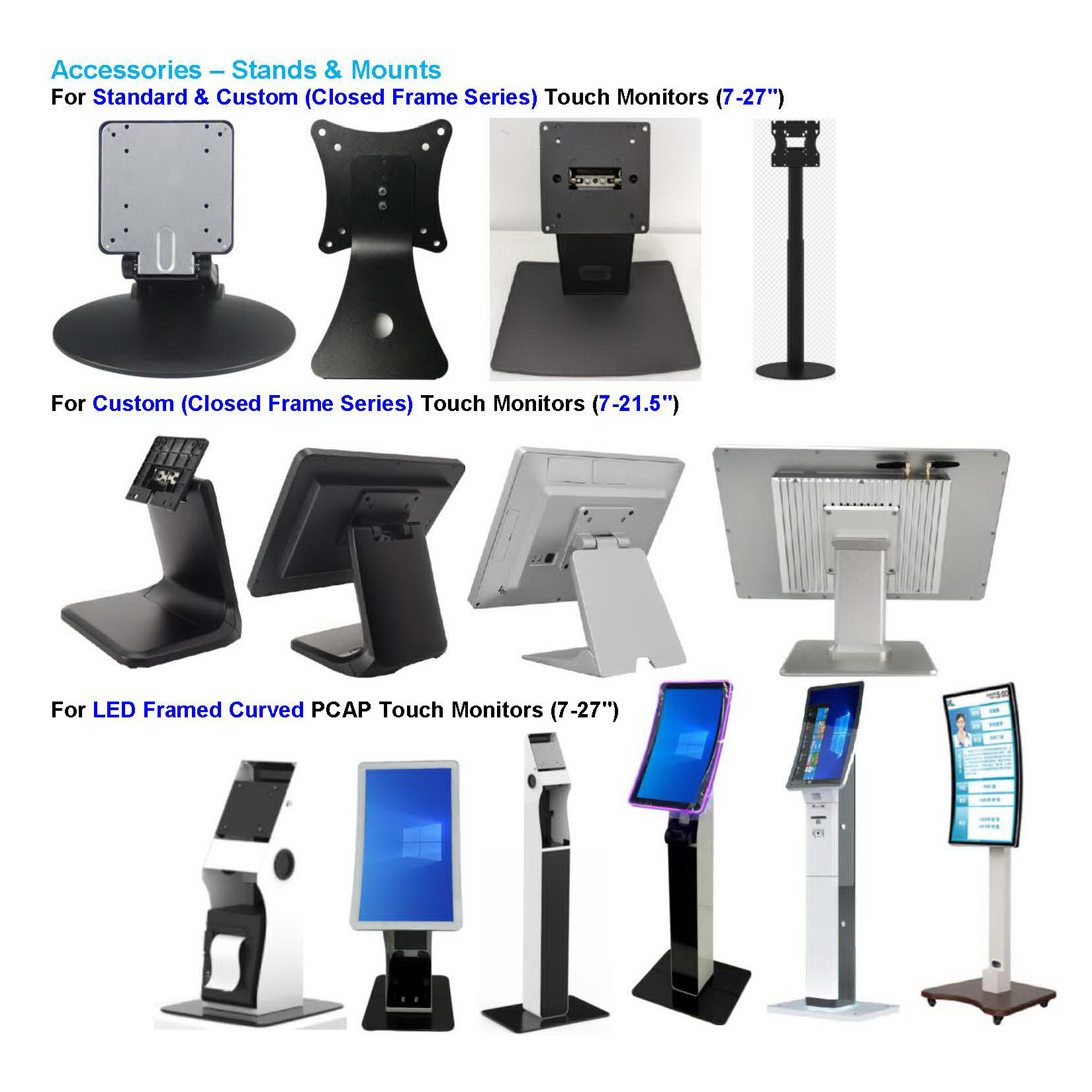
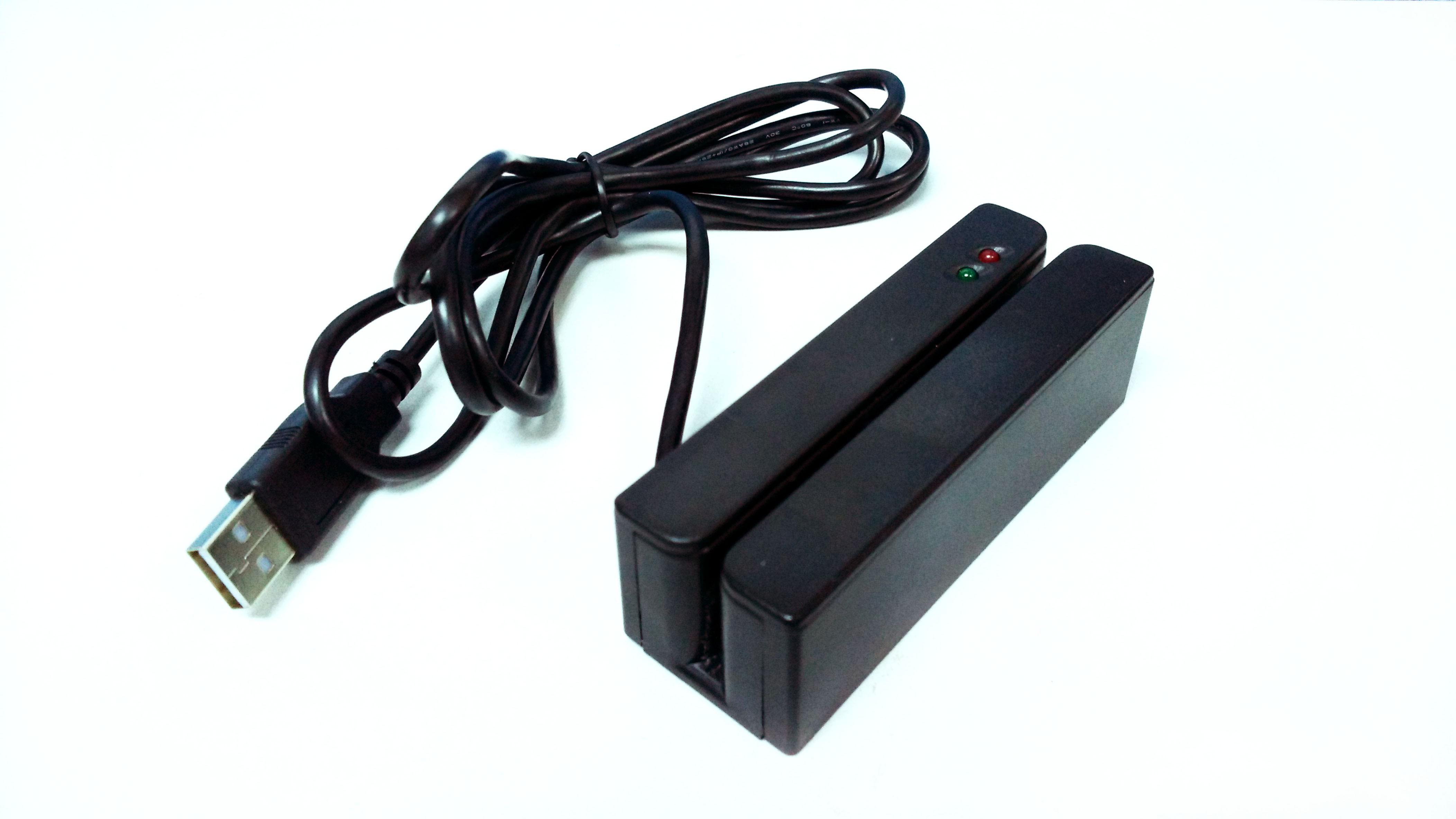


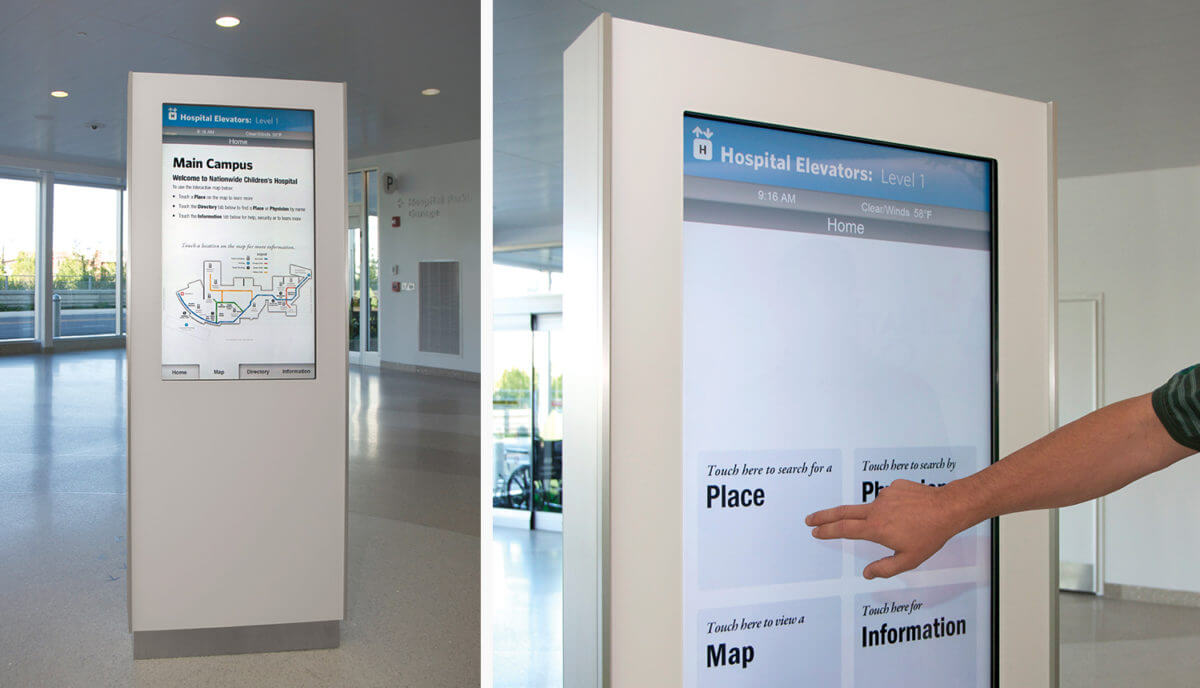


The TDD-DTM270 is a 27-inch Digital Signage Touch Monitor within the TDD Touch Monitors range, which includes Standard and Industrial configurations. Industrial options include Open Frame Bezel-free, Rear Mount and Panel Mount formats. The TDD-DTM270 product listing itself identifies a 27-inch Digital Signage Closed Frame PCAP Touch Monitor. For OEM enclosure projects, compare the mounting format against service access, bezel requirements and front sealing needs, and confirm the exact TDD-DTM270 configuration with TDDtouch before specifying.
Selection guidance: match mounting format to OEM enclosure and service access
Mounting choice should follow the enclosure design rather than the other way around. Use the following comparison to shortlist the format, then verify the mechanical drawing for the exact model code.
- Rear Mount: Suits OEM enclosures with rear service access. The display is fixed from the rear, which can simplify maintenance if the enclosure has a removable back panel or a service hatch. Confirm rear clearance for cables and touch controller access.
- Panel Mount: Suits front-panel integration where the display is clamped or fixed into a cutout from the front or rear of the panel. Useful when the enclosure front is the primary mounting surface. Confirm cutout dimensions, clamp depth and front bezel appearance.
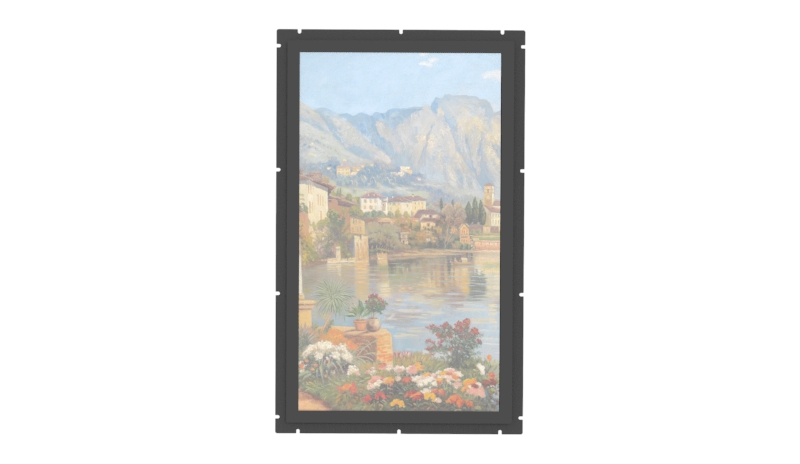
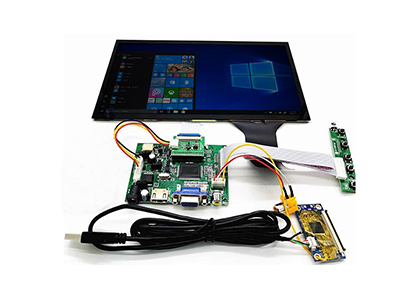
- Open Frame Bezel-free: Suits flush, bezel-free integration into a kiosk, cabinet or custom OEM housing. The open frame format can minimize visible borders and allow the touch surface to sit close to the enclosure front. Confirm the mechanical drawing, cutout tolerance, cable routing and front sealing requirements before selecting this option.
Verified TDD-DTM270 product data includes a 27-inch 16:9 active area (68.6 cm) and PCAP touch that supports touch through glass up to 5 mm. The closed frame design is described with a light aluminum frame and steel back, desktop or wall mount design, and IP65 front protection for water and dust. Confirm which of these attributes apply to the specific mounting variant you order, because open frame and rear mount configurations may differ.
Integration Q&A: what to confirm before selecting a digital signage touch monitor
Which TDD-DTM270 mounting option suits an OEM enclosure?
Start with service access. If the enclosure has a rear door or removable back, rear mount can be practical. If the front panel is the main structural surface and you need a secure clamped fit, panel mount is the usual starting point. If the design requires a bezel-free front and the display must sit flush inside a custom cabinet, evaluate the open frame bezel-free format. Because the TDD-DTM270 listing is described as a closed frame PCAP touch monitor, confirm with TDDtouch that the required rear mount, panel mount or open frame variant is available for the TDD-DTM270 model code.
What should buyers verify before choosing an open frame bezel-free touch monitor?
Request and review the following before committing to an open frame bezel-free design:
- Mechanical drawing with cutout dimensions, mounting hole pattern and recommended tolerances.
- Touch controller location and cable clearance for the enclosure depth.
- Front IP rating and sealing method if the application requires water or dust protection.
- Service access for touch controller, cables and display replacement.
- Operating temperature, power input and touch interface requirements for the target kiosk or cabinet.
- Confirmation that the TDD-DTM270 model code supports the selected open frame configuration.
For OEMs and systems integrators comparing Digital Signage Touch Monitors, the TDD-DTM270 should be selected by matching the mounting format to the enclosure, then confirming the exact mechanical and environmental details for that variant. Use the TDD-DTM270 product page to request the current drawing and configuration data before final design freeze.
Product reference: TDD-DTM270